
Overview & templates
Start a brand book from a template, switch templates, and let your work autosave.
The Brand Guidelines workspace builds multi-page brand books. You start from a template and make it yours.
The template gallery
When you open Brand Guidelines, you choose a starting point:
| Template | Feel |
|---|---|
| Blank | An empty canvas — build slides from scratch. |
| Cortex | Bold, modern, tech-forward flagship. |
| Atlas | Structured and editorial. |
| Noir | High-contrast, minimal, monochrome. |
| Verve | Energetic and colorful. |
| Beacon | Clean and approachable. |
| Meadow | Soft, organic, warm. |
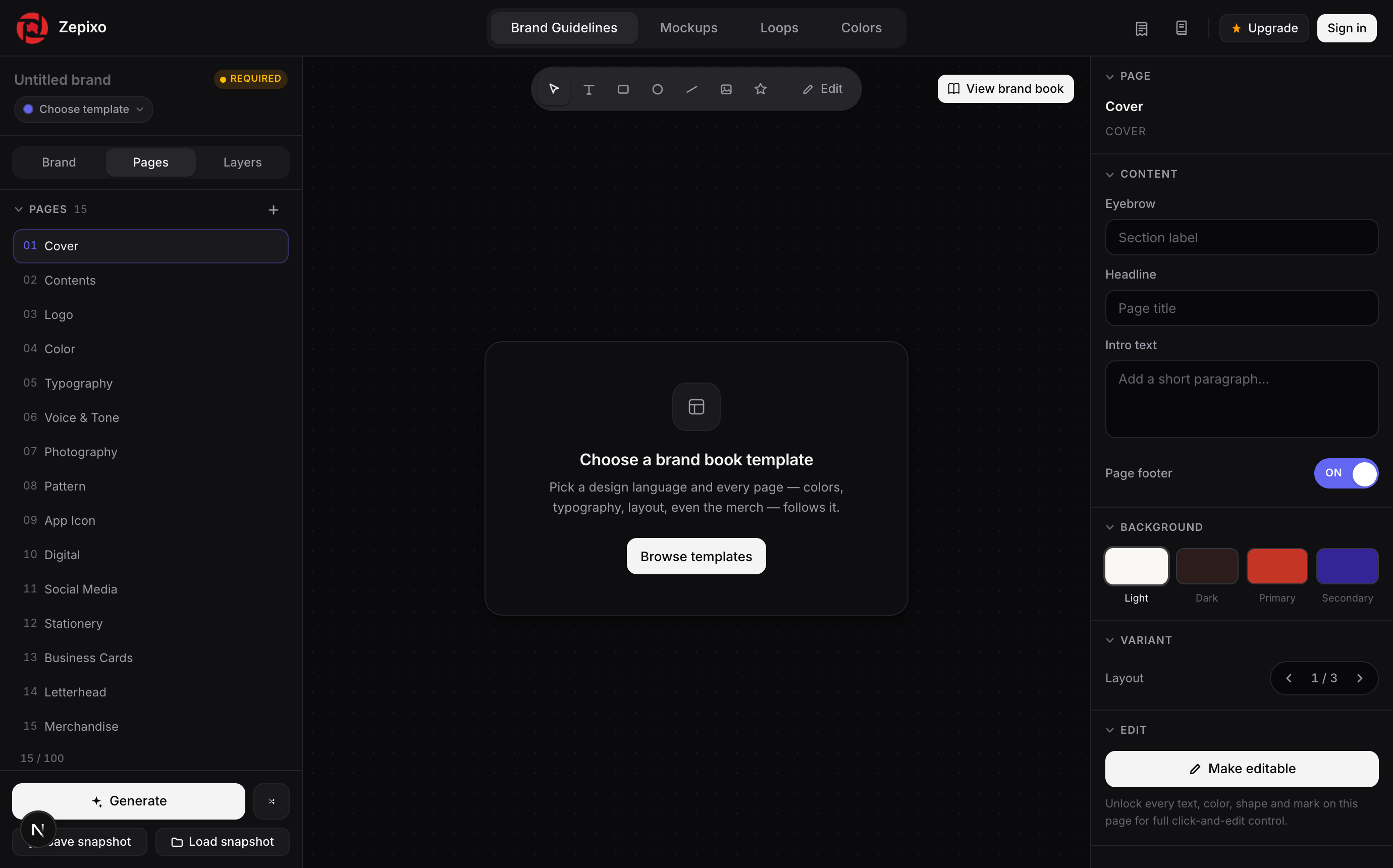
Switching templates
Warning
Switching to a different template starts fresh — your edits on the current template won't carry over. Zepixo warns you before switching so you don't lose work by accident.
Naming & autosave
A brand book needs a namebefore it can be saved — give it one when prompted. From there, every change autosaves to your account; there's no Save button to remember.